
Narrow down the problem
Smart home cleaning appliances often mask simple issues behind complex error codes. Before calling for service or buying replacement parts, identify the root cause. Most failures stem from three common sources: clogged filters, sensor dirt, or software glitches.
Start with the physical components. Check the water tank, dust bin, and filters first. A blocked filter reduces suction and triggers low-flow warnings. A full bin prevents the robot from returning to the dock. These are mechanical blockages, not software failures.
Next, examine the sensors. Dust on cliff sensors or charging contacts stops navigation and charging. Wipe them with a dry cloth. If the device still fails, restart the system. A hard reset clears temporary software errors that mimic hardware failures. This simple step resolves more issues than any deep clean.
Run a diagnostic sequence before deep cleaning
Start with a visual inspection to identify the specific type of buildup or damage before applying any chemicals. This prevents using the wrong cleaner on the wrong surface, which is the most common cause of permanent appliance damage. Look for cloudy films on stainless steel, burnt-on carbon on oven racks, or mineral scale on dishwasher interiors.
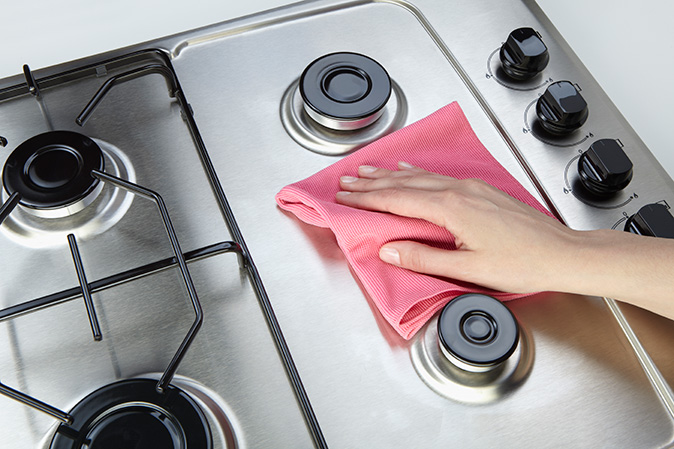
Next, check the manufacturer’s manual for material-specific warnings. Some modern finishes require pH-neutral cleaners, while older models can handle mild acids like vinegar. Ignoring these guidelines often leads to dulling the finish or corroding seals. If the manual is missing, default to the gentlest method: warm water and a soft microfiber cloth.
Finally, test any new cleaning solution on a small, hidden area first. This step catches adverse reactions like discoloration or texture changes before you commit to cleaning the entire appliance. Once you’ve confirmed the solution is safe, you can proceed with confidence knowing the risk of damage is minimal.
What usually fixes it
Most appliance failures come down to three things: clogged filters, dirty sensors, or worn seals. You can often resolve these yourself with a few basic tools and ten minutes of work. If the issue persists after these checks, the problem likely lies deeper in the motor or control board.
Check and clean the filters first
Filters trap dust, lint, and debris that restrict airflow and cause overheating. A clogged filter is the most common reason for poor performance in vacuums, dryers, and air purifiers. Remove the filter according to your manual’s instructions. Wash reusable filters with warm soapy water and let them dry completely before reinstalling. Replace paper or foam filters if they look gray or feel stiff. This simple step restores airflow and efficiency immediately.
Wipe down sensors and contacts
Modern smart appliances use optical and thermal sensors to detect dirt levels, temperature, and position. A layer of dust or grime on these sensors can confuse the AI, causing it to miss spots or stop cleaning prematurely. Use a dry microfiber cloth to gently wipe any visible sensors on robot vacuums, ovens, or dishwashers. For touchscreens and control panels, a slightly damp cloth works best. Avoid harsh chemicals that might scratch the surface or degrade the coating.
Inspect seals and brushes
Rubber seals around doors and windows can degrade over time, allowing water or air to escape. Check for cracks, tears, or stiffness. If a seal is damaged, replacing it is usually cheaper than repairing a larger leak. For robot vacuums and floor cleaners, check the main brush and side brushes for tangled hair or debris. Cut away any wrapped fibers with scissors. A tangled brush strains the motor and reduces suction power significantly.
Appliance cleaning: what to check next
Before you schedule a service or start scrubbing, here are the most common questions about deep cleaning kitchen appliances.
Quick checklist

-
Match the sizeMake sure the appliance cleaning option fits your household, storage space, and normal batch size.
-
Check the materialChoose a material that handles heat, washing, and regular use without becoming a chore.
-
Plan the cleanupAvoid anything that needs more maintenance than you are likely to give it.
-
Keep one fallbackHave a simple backup option for rushed days.
No comments yet. Be the first to share your thoughts!