

Spot the dirt before the robot does
Streaky windows and dusty baseboards usually signal that a cleaning routine has fallen behind. The modern approach to cleaning hacks flips this dynamic by shifting from reactive scrubbing to proactive detection. Instead of waiting for grime to build up, you configure your smart home devices to catch messes early, reducing the need for heavy manual intervention.
Smart vacuums and robot mops rely on sensors to navigate, but they are only as effective as their calibration. A dusty LiDAR unit or a clogged bumper sensor will cause the device to miss spots or get stuck, turning an automated chore into a troubleshooting nightmare. Regularly wiping these sensors is the most overlooked maintenance step in smart home cleaning.
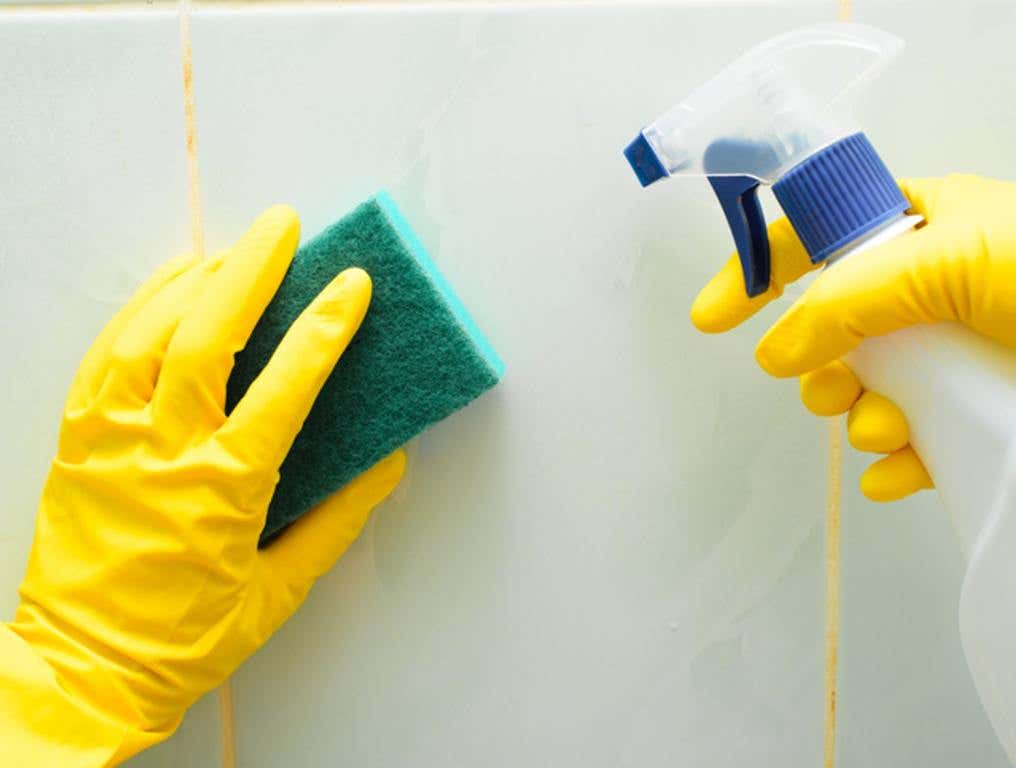
Beyond hardware, the real efficiency gain comes from software configuration. By setting up "no-go" zones and adjusting suction power based on room type, you prevent the robot from wasting energy on areas that don't need deep cleaning. This proactive setup ensures that when the device does encounter dirt, it is already optimized to handle it, keeping your floors cleaner with less effort.
Train the robot to skip the clutter
Streaky floors and missed spots often happen because your robot vacuum is working harder, not smarter. It bumps into chair legs, gets stuck under low furniture, or laps over pet bowls, wasting battery and time. The fix isn't a new mop pad; it’s teaching the AI where not to go. By defining virtual boundaries and high-traffic zones, you turn a blind cleaner into a targeted tool.
Most modern robot vacuums use LiDAR or camera-based mapping to build a digital floor plan. Once the map is saved, you can edit it in the companion app. This is where the real efficiency gains happen. Instead of letting the robot guess, you draw the lines that matter.
1. Run a full mapping pass
Before drawing any lines, let the robot clean an entire zone without interruptions. This ensures the AI captures accurate room dimensions and obstacle locations. If the map looks distorted or missing walls, run the pass again. A clear map is the foundation for all other cleaning hacks.
Let the robot complete a full clean cycle. Check the app map for accuracy. Ensure all walls and large furniture pieces are correctly rendered.
Use the app’s drawing tool to outline areas to avoid. Common targets include pet food bowls, laundry piles, or delicate rugs. Draw tight boundaries to save battery.

Mark high-traffic areas like entryways or kitchen floors. Some apps let you assign higher cleaning frequency to these zones. This keeps the most used spaces cleaner with less effort.
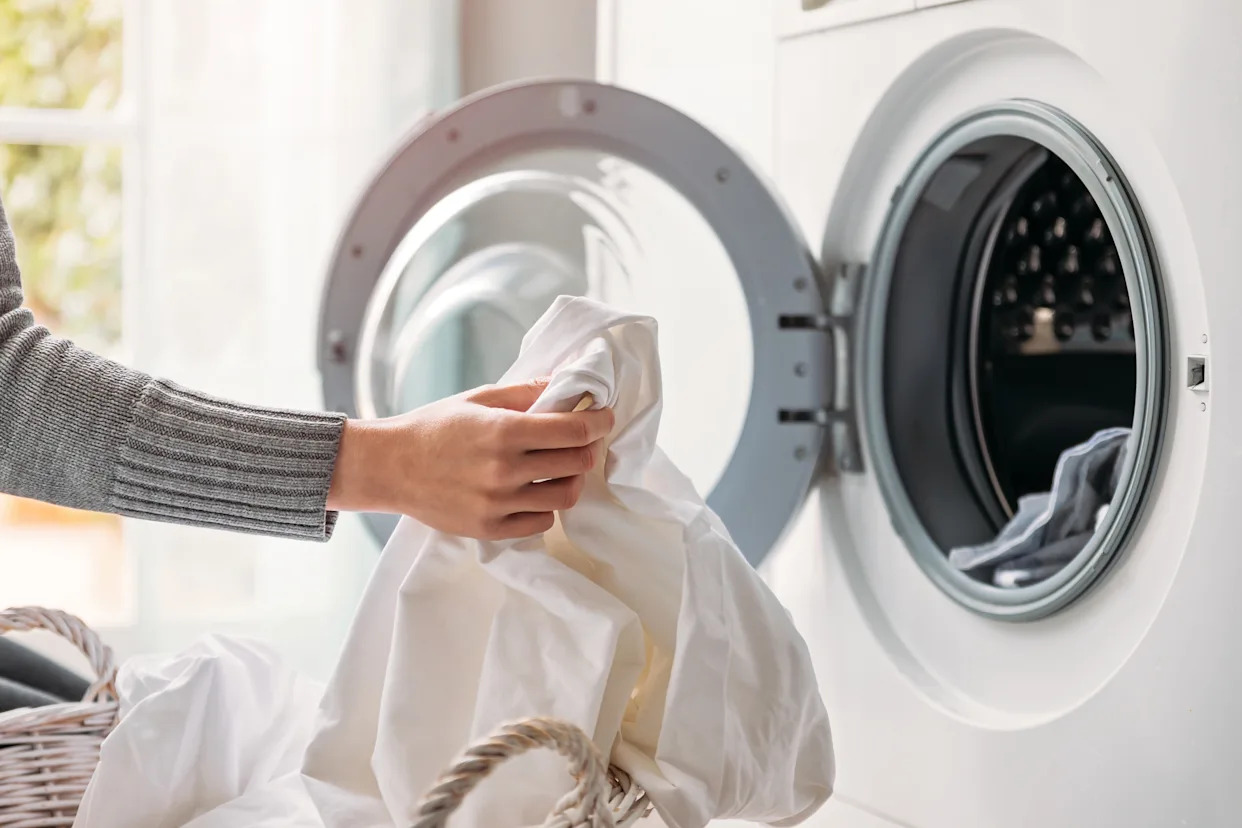
Run a quick test clean. Watch for any breaches of the no-go zones or missed spots in high-traffic areas. Adjust the boundaries in the app as needed.
2. Adjust cleaning intensity by room
Not all floors need the same level of scrubbing. Hardwood in the hallway might just need a light sweep, while the kitchen tile needs a deep mop. Use the app’s room-specific settings to tailor suction power and water flow. This saves water and extends filter life, making your routine more eco-friendly.
3. Schedule by usage patterns
Combine your zones with a smart schedule. Run the high-traffic zones during the day when foot traffic is highest. Let the no-go zones remain untouched during pet feeding times. This proactive approach prevents messes from becoming permanent stains.
By treating your robot vacuum like a smart assistant rather than a blind machine, you unlock significant efficiency. These small AI tweaks reduce noise, save energy, and keep your floors cleaner with less manual intervention.
Mix vinegar and water for sensors
Smart devices get dirty too. Dust builds up on optical sensors, causing robot vacuums to bump into walls or get lost. Charging contacts on robot mops and handheld vacuums accumulate grime, leading to weak battery charges or charging failures. Harsh chemical cleaners can corrode these sensitive components, shortening the lifespan of your smart home cleaning hacks.
A simple solution of diluted white vinegar and water is safe and effective for most exterior surfaces. Vinegar dissolves mineral deposits and light grime without leaving corrosive residues. This approach keeps your devices running smoothly without the risk of damaging internal electronics.
Mix one part white vinegar with one part warm water in a small spray bottle. This dilution is strong enough to cut through dust and light grime but gentle enough for sensitive electronics.
Dampen a microfiber cloth with the solution and gently wipe the outer casing of your devices. Focus on areas that are frequently touched or exposed to dust. Avoid getting moisture into any seams or vents.
Use a dry, soft-bristled brush or a cotton swab to gently remove dust from optical sensors and lidar windows. These components are critical for navigation and mapping. Keep them clear to ensure your robot vacuum or mop follows its intended path.
Dampen a cotton swab with the vinegar solution and gently wipe the metal charging contacts on your devices. This removes oxidation and grime that can interfere with charging. Ensure the contacts are completely dry before placing the device back on its dock.
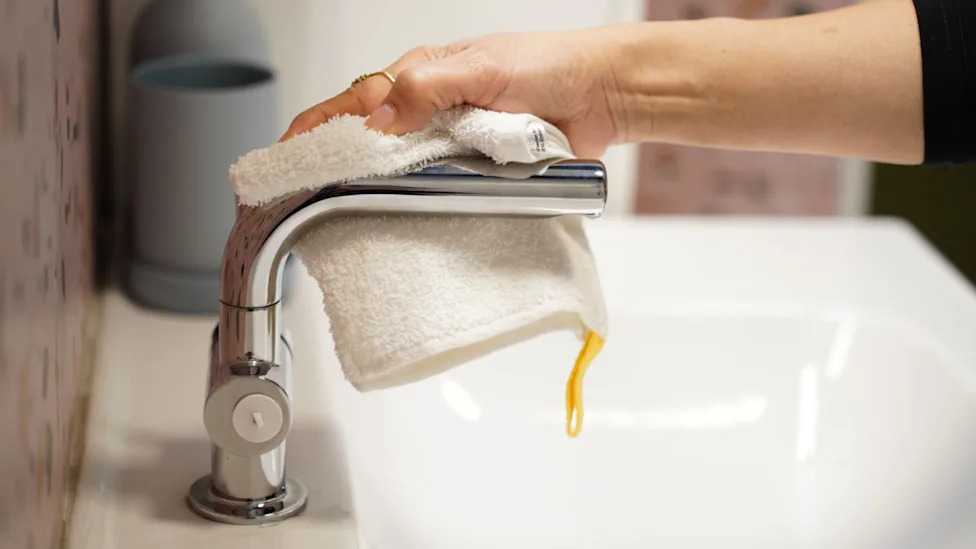
Use a dry microfiber cloth to remove any remaining moisture from the exterior. Allow all components to air dry for a few minutes before reassembling or placing the device back on its charging dock. This prevents any potential short circuits.
Regular maintenance with this eco-friendly solution ensures your smart cleaning devices operate at peak performance. By avoiding harsh chemicals, you protect the delicate internal components and extend the life of your investment.
Use coffee filters for streak-free glass
Streaky smart displays and smudged windows are the bane of a tidy home. While AI vacuums handle the floors, high-tech screens often collect lint and fingerprints that traditional paper towels leave behind. This simple hack bridges the gap between manual care and digital maintenance.
Coffee filters are the ideal tool for this job. Made from fine, lint-free paper, they trap dust without shedding fibers. They also absorb cleaning solution evenly, preventing the pooling that causes streaks on sensitive surfaces like tablets, smart speakers, and glass tables.
How to do it:
- Spray your eco-friendly glass cleaner directly onto the surface, not the filter.
- Fold a dry coffee filter into a square.
- Wipe the surface in circular motions to lift grime.
- Finish with a dry pass to buff away any remaining moisture.
This method works because the filter’s absorbency matches the viscosity of most DIY cleaners. It’s a low-cost, zero-waste addition to your cleaning hacks routine that keeps your smart home looking pristine.
Schedule deep cleans during off-peak hours
Streaky screens and dusty floors often signal that your cleaning routine is fighting against your household rhythm rather than working with it. The fix isn't buying more gadgets; it's timing. By shifting heavy cleaning tasks to off-peak hours, you reduce noise pollution and lower energy bills.
Smart home cleaning hacks rely on automation to handle the heavy lifting when it matters least. Set your robot vacuum and dishwasher to run between 10 p.m. and 6 a.m. Most utility providers charge lower rates during these "off-peak" windows, turning a chore into a cost-saving measure. This schedule also ensures you aren't tripping over a vacuum or hearing the dishwasher cycle during dinner.
Configure your AI hub to prioritize these tasks only when the house is empty. This prevents interruptions and keeps the air quality better by running exhaust fans and vacuums when windows are closed. Simple scheduling changes create a quieter, cheaper home without extra effort.
Monthly smart home cleaning hacks checklist
Streaky screens, dusty sensors, and sluggish robot vacuums are usually signs of skipped maintenance. You can keep your smart home running smoothly by following this monthly routine. These cleaning hacks ensure your devices stay healthy without requiring professional help.
-
Wipe robot vacuum sensors with a dry microfiber cloth
-
Check and replace air filters in smart purifiers
-
Update firmware on all connected devices
-
Clean camera lenses with a lens-safe wipe
-
Empty and sanitize dust bins
Frequently asked questions about smart cleaning
These answers address the most common concerns about safety, eco-friendly practices, and the effectiveness of smart home devices.
No comments yet. Be the first to share your thoughts!